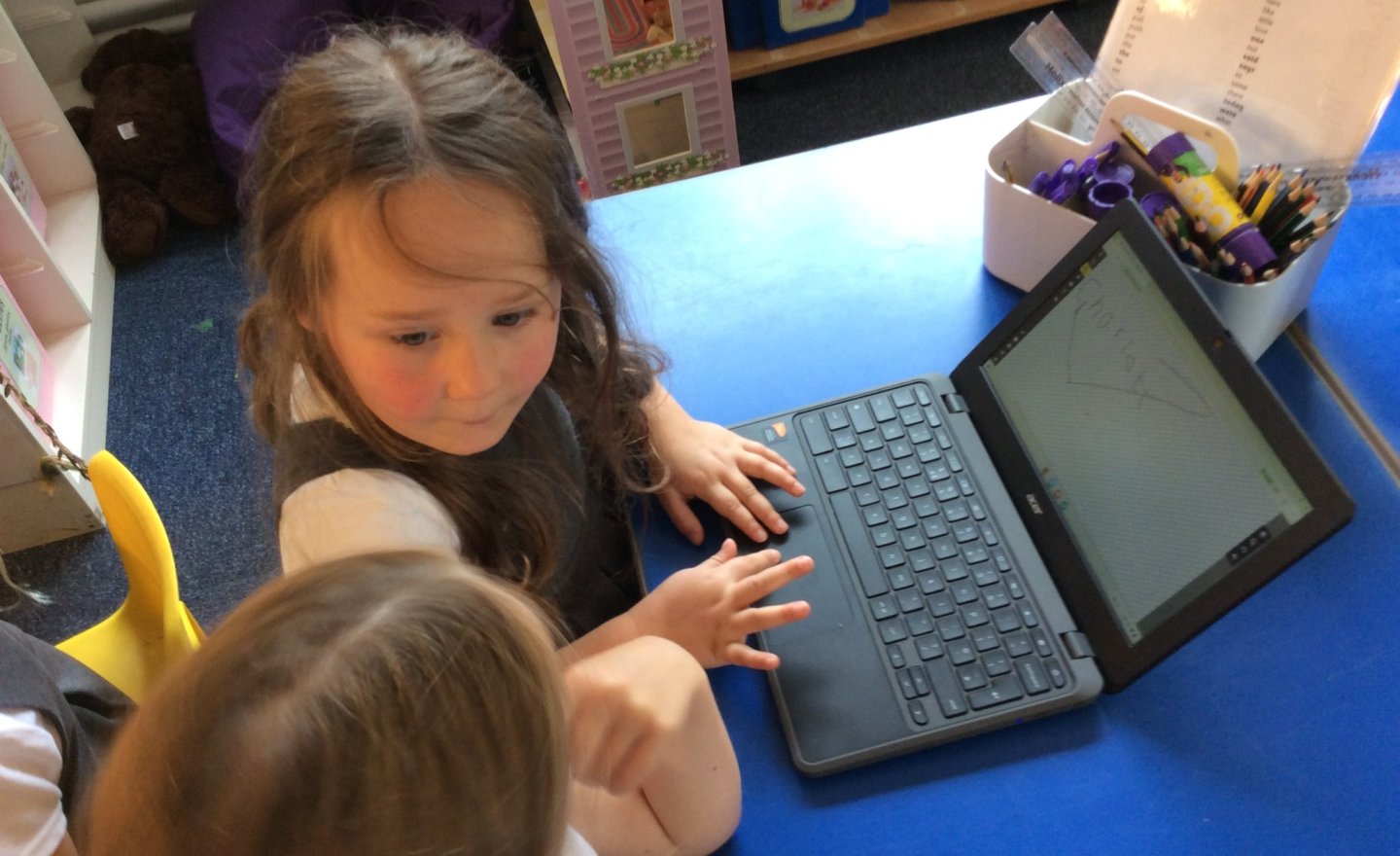
First Steps in Computing: Exploring Our New Chromebooks!
Excitement was in the air this week as Maple Class got to use our brand-new chromebooks for the very first time!
What We Learned:
-
Logging On: Every child practised finding and typing their own unique username and password. This is a huge milestone for building independent digital…
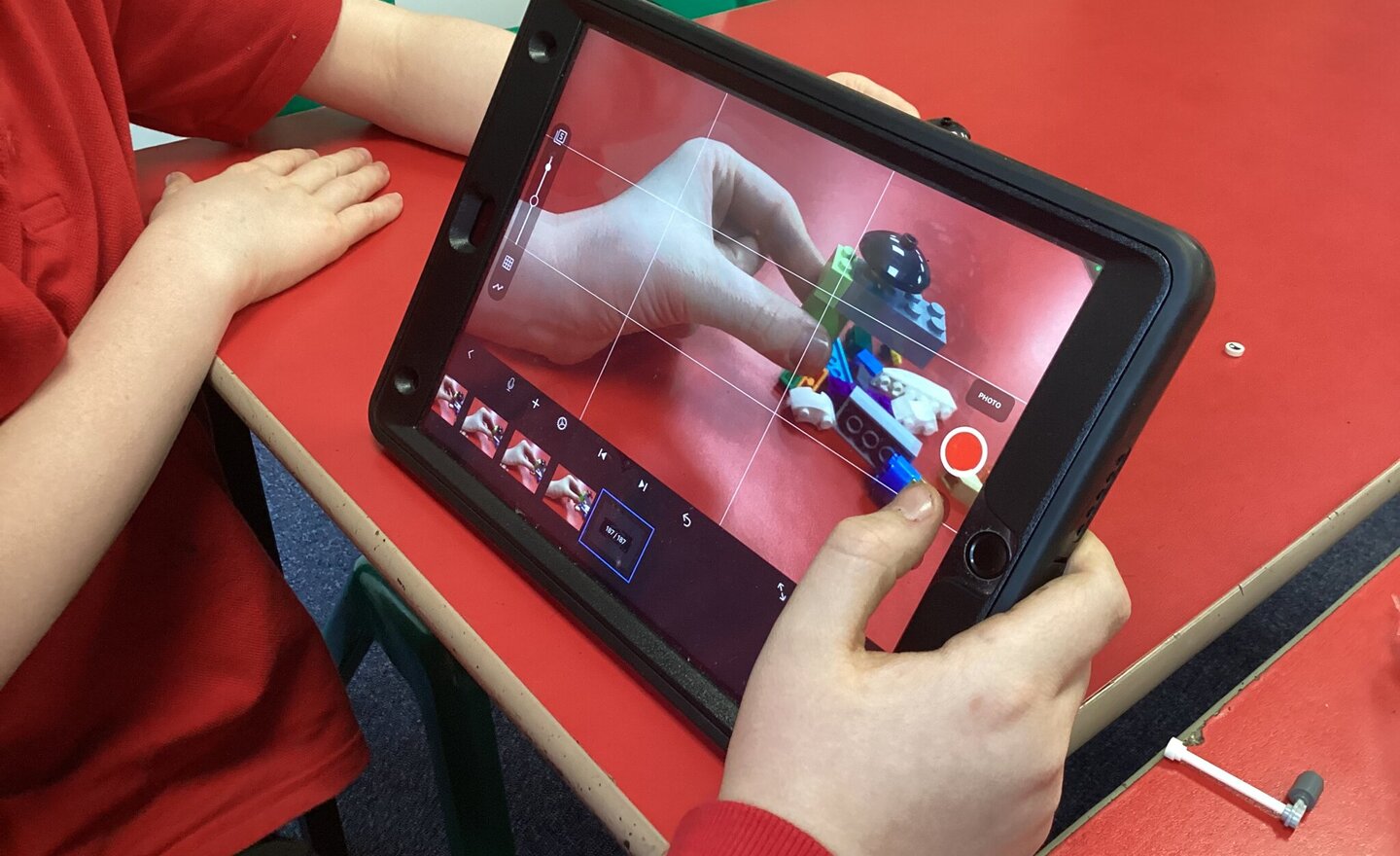
Oak Class Begins Exciting Stop Motion Animation Project Using iPads
This term, Oak Class has embarked on an exciting journey into the world of stop motion animation, using iPads to bring their stories and ideas to life.
Stop motion animation is a fantastic way for our children to develop their communication skills, creativity, and technical knowledge. It…
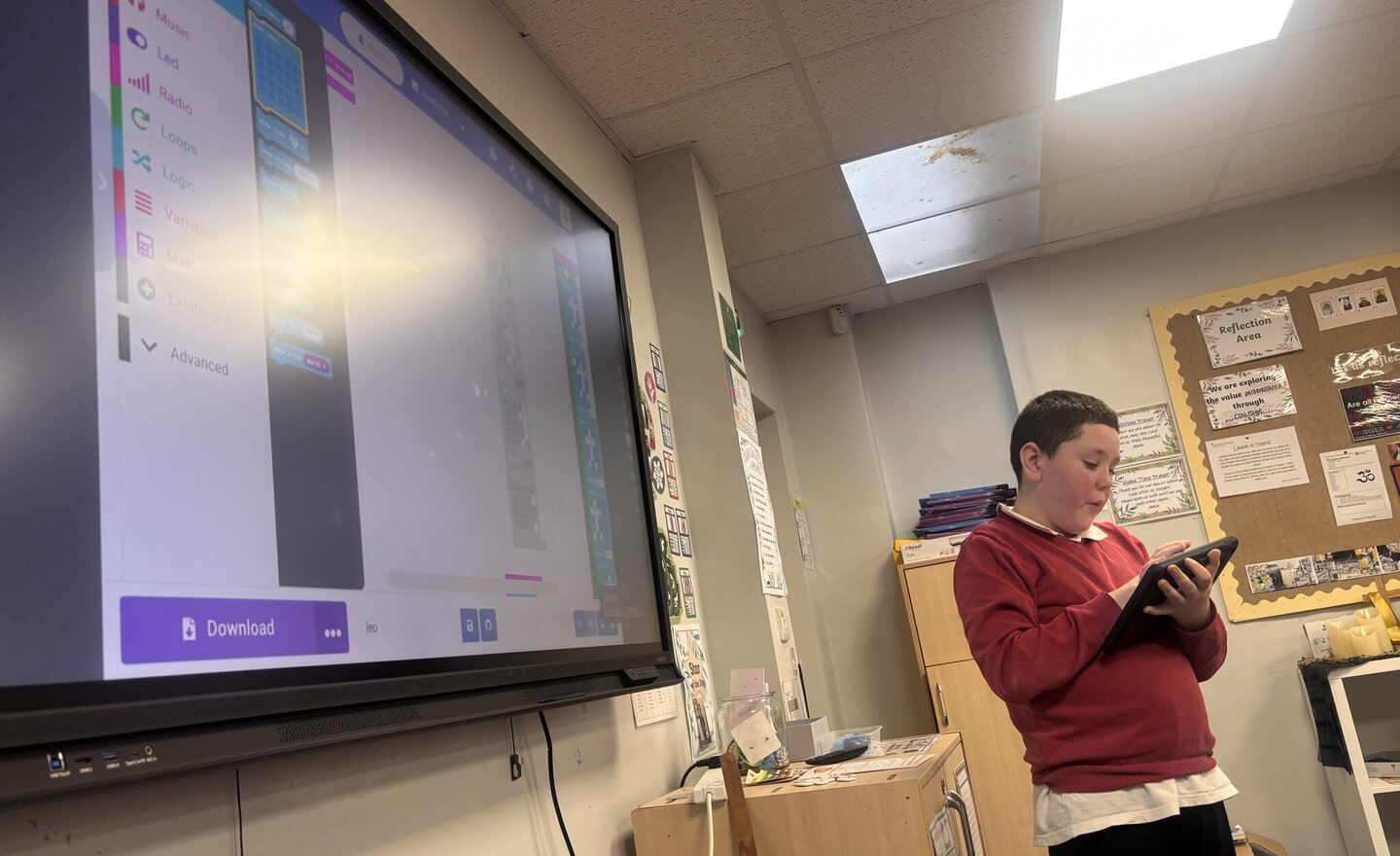
Oak Class Coding Adventure: Learning with Microbits
At St. Andrew’s CE Primary School, we are always excited to embrace new ways of learning, especially when it comes to technology and coding. Recently, Oak Class had a fantastic opportunity to dive into the world of coding using Microbits, thanks to our very own pupil expert who led the…
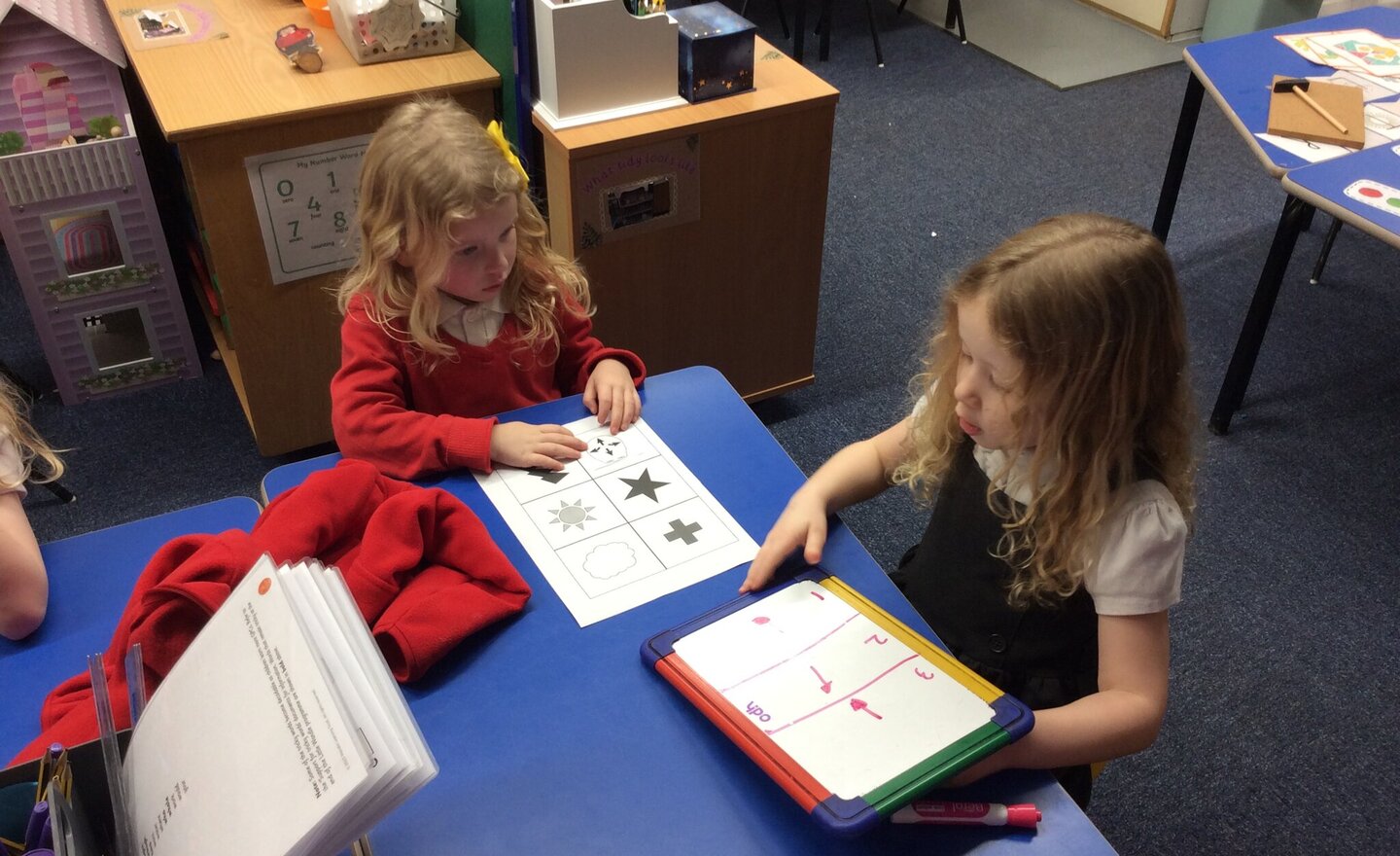
Beep Boop: Robot Routes!
This week, Reception turned into a room full of programmers! We’ve been learning how to give clear commands to our robots to help them find their way.
Think Like a Robot
Before we even touched our paper robots, we had to become the robots! Working in pairs, the children took turns being the…
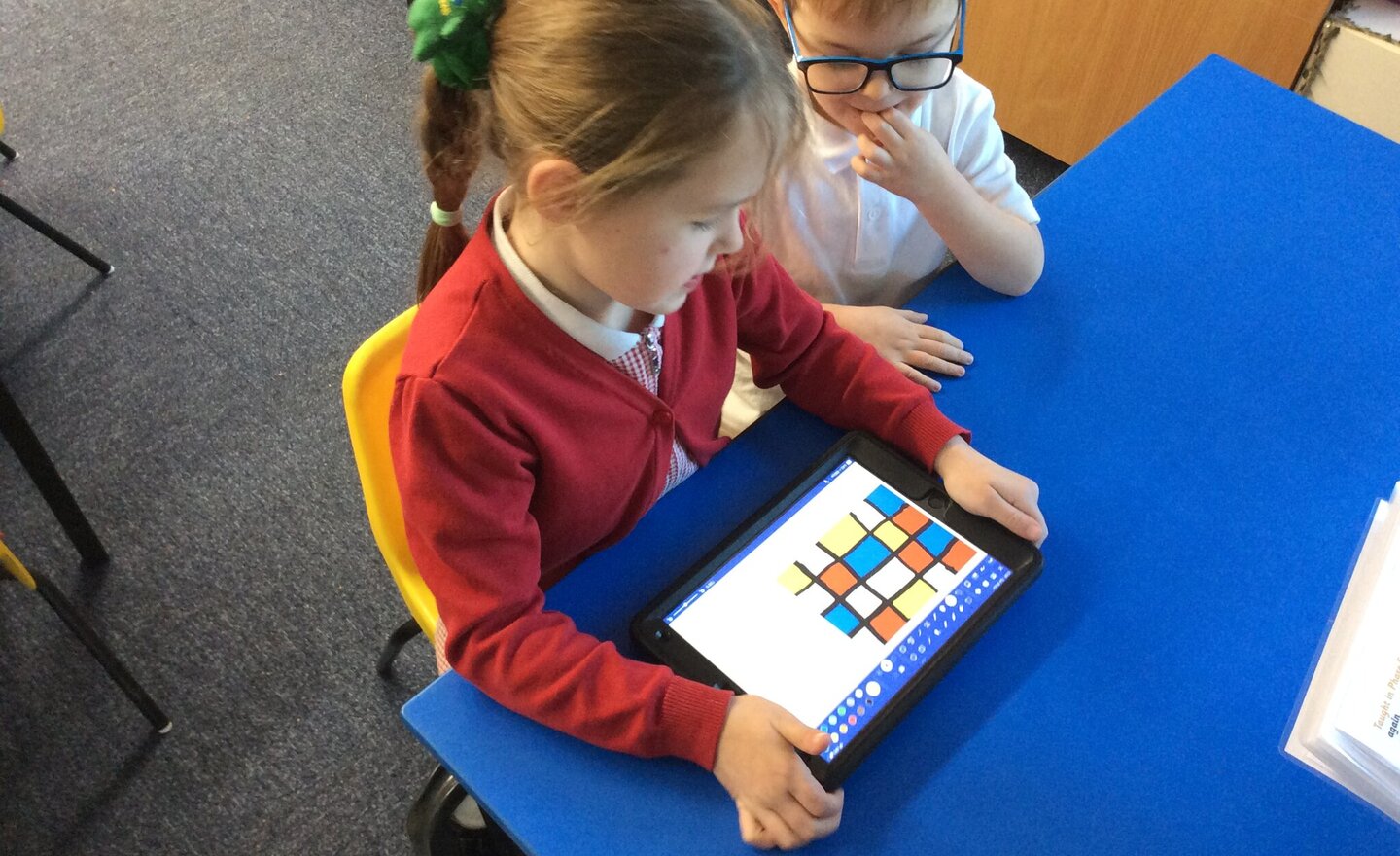
Mondrian Masterpieces on the iPad!
This week in Computing, we crossed over into the art world and took inspiration from the famous Dutch artist, Piet Mondrian!
Mondrian's style is simple but striking: he used only straight lines, squares, and rectangles, painted with the primary colours (red, yellow, and blue), plus black and…
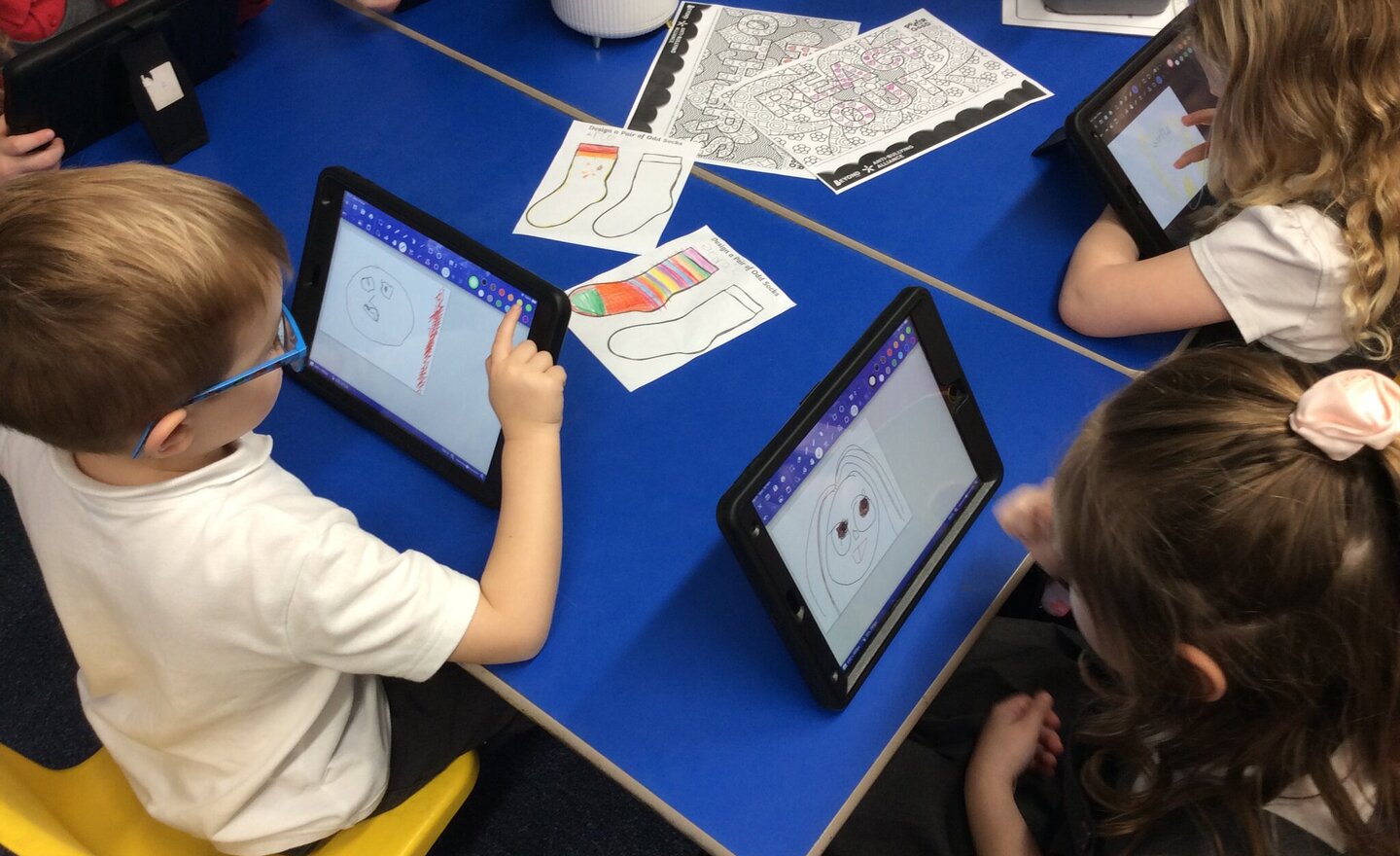
Maple Class Gets Creative: Digital Portraits with Paint.z!
This week in Computing, Maple Class turned into a digital art studio! We explored how we can use an iPad to create brilliant paintings using a fun software application called Paint.z.
The challenge? To create a self-portrait—a digital painting of their own face!
The children loved getting…
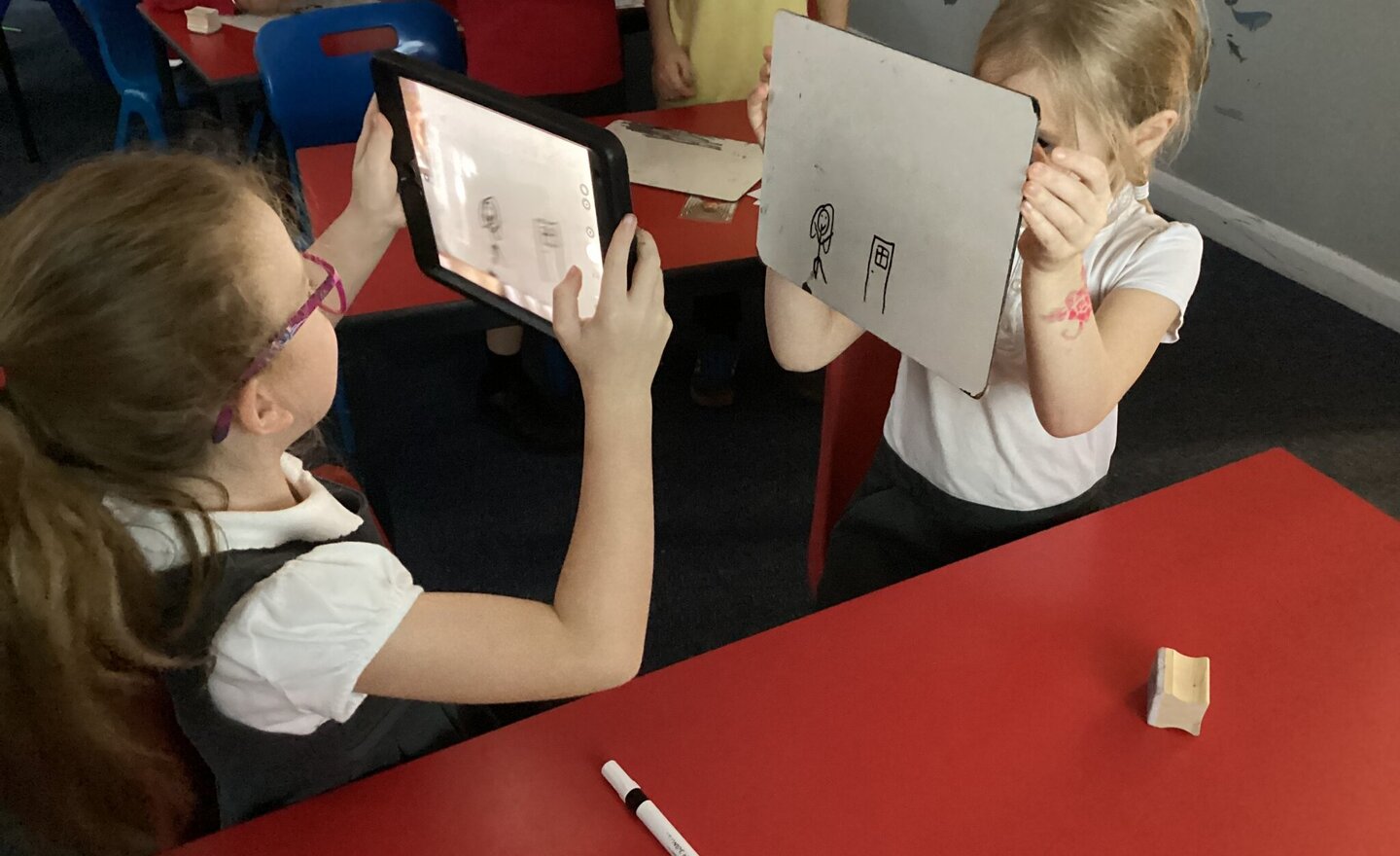
Stop animation
The children created flip books showing off their stop animation skills.
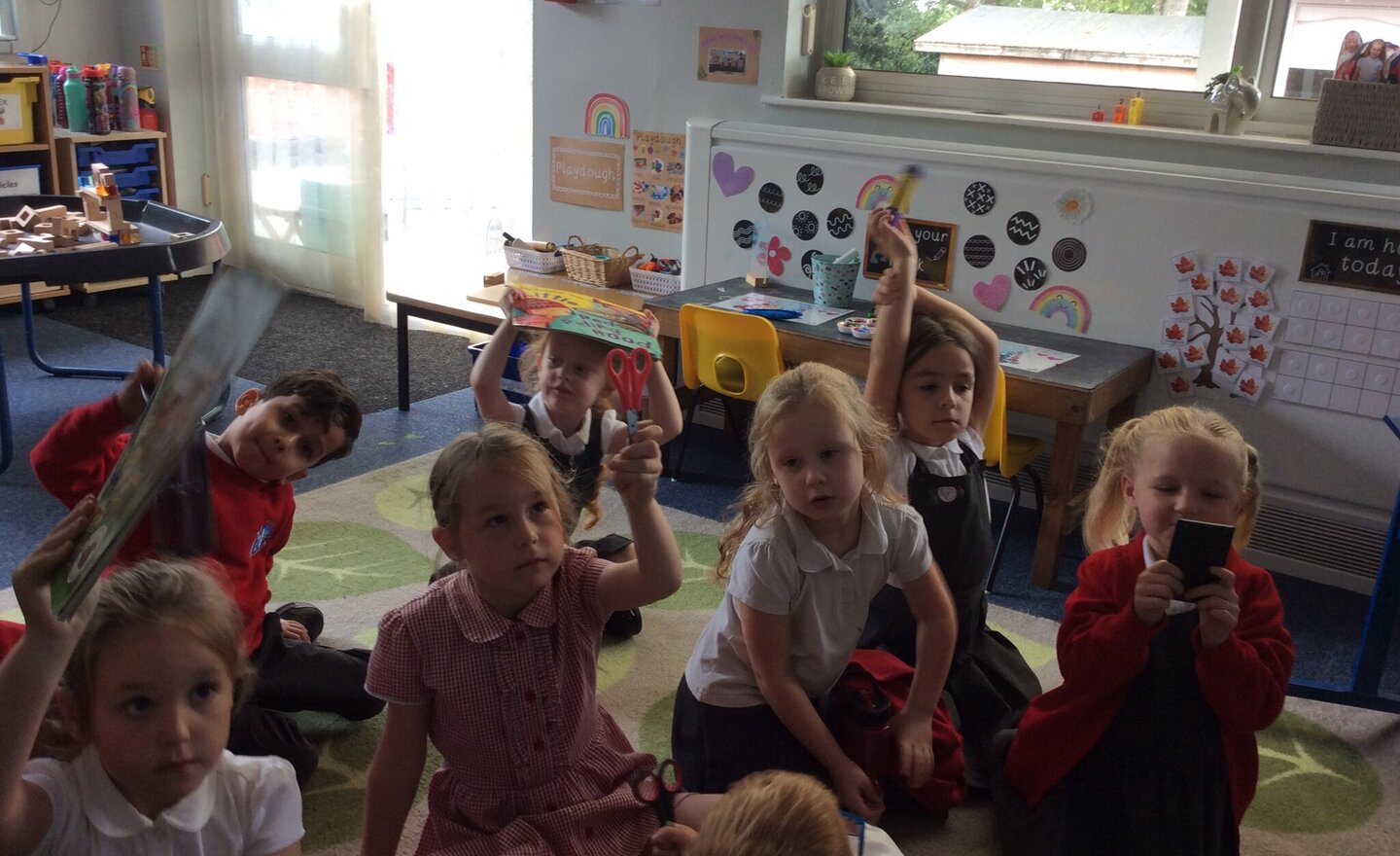
Exploring Technology in the Classroom
In Computing this week, the children had a brilliant time learning all about technology. Together, we discovered that technology is anything made by people to help us do something.
To put this into practice, the children went on a technology hunt around the classroom. They worked so well and…
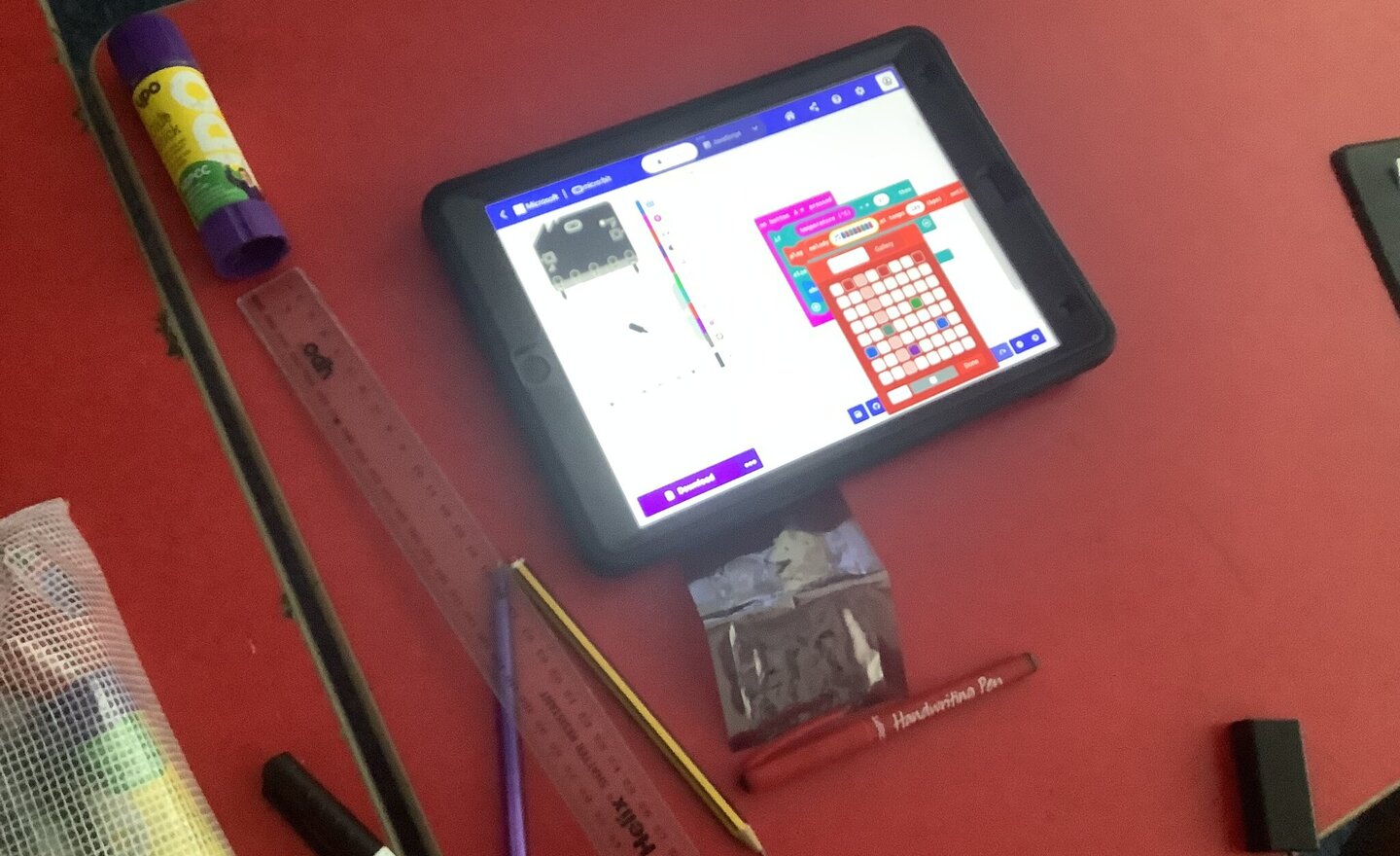
Temperature testing with Micro:bits
Building on their coding knowledge, the class decided to test the temperature in different parts of the school. Some created warnings using their Micro:bits if the temperature rise above a certain level. Very practical idea in the heat.
Some examples of the children’s…
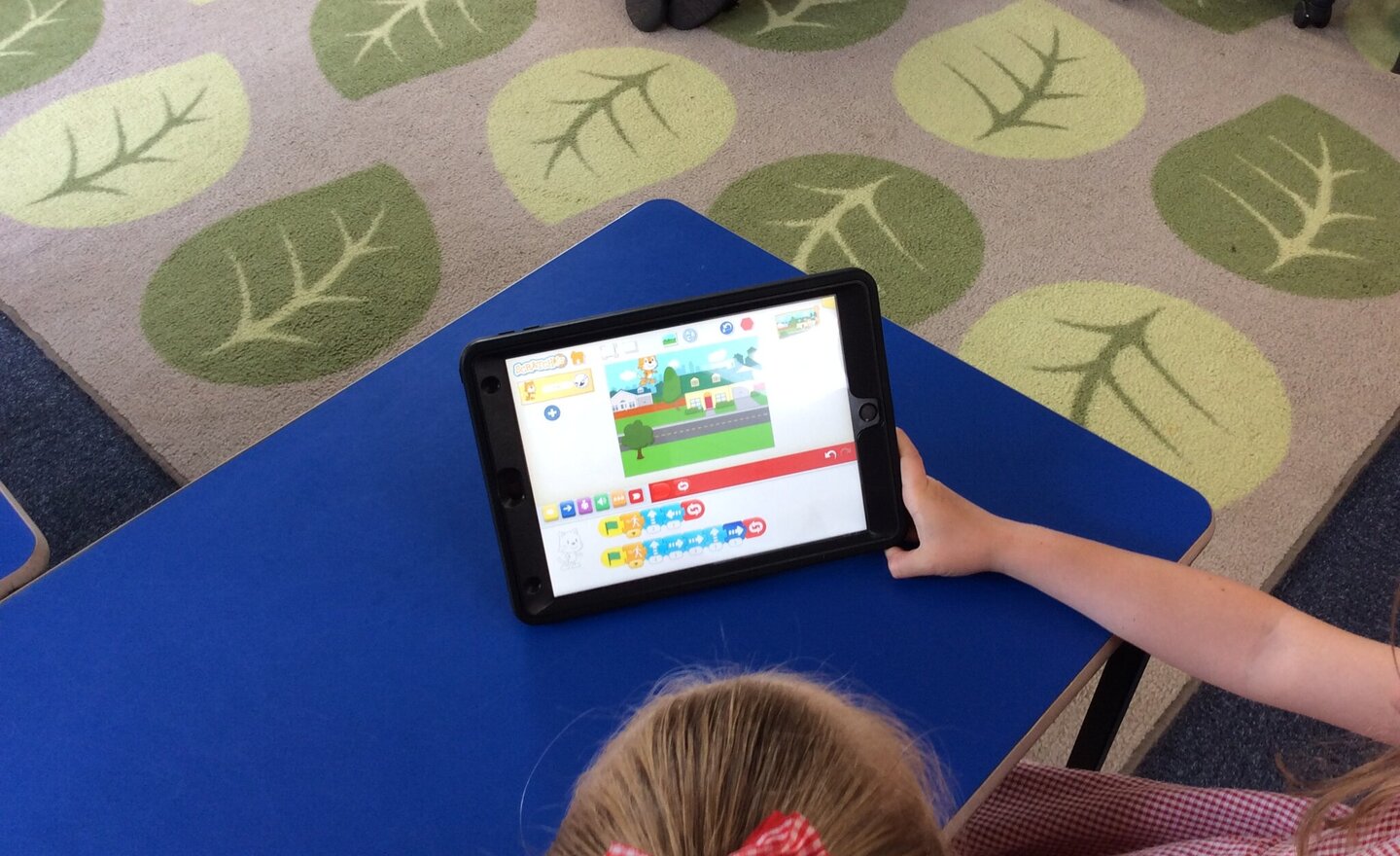
Coding Creators in Class 1
This week, Class 1 stepped into the world of computer programming with a super fun session using ScratchJr on the iPads!
The children explored how to create simple algorithms by programming characters to move, turn and even jump across the screen. They experimented with different sequences of…
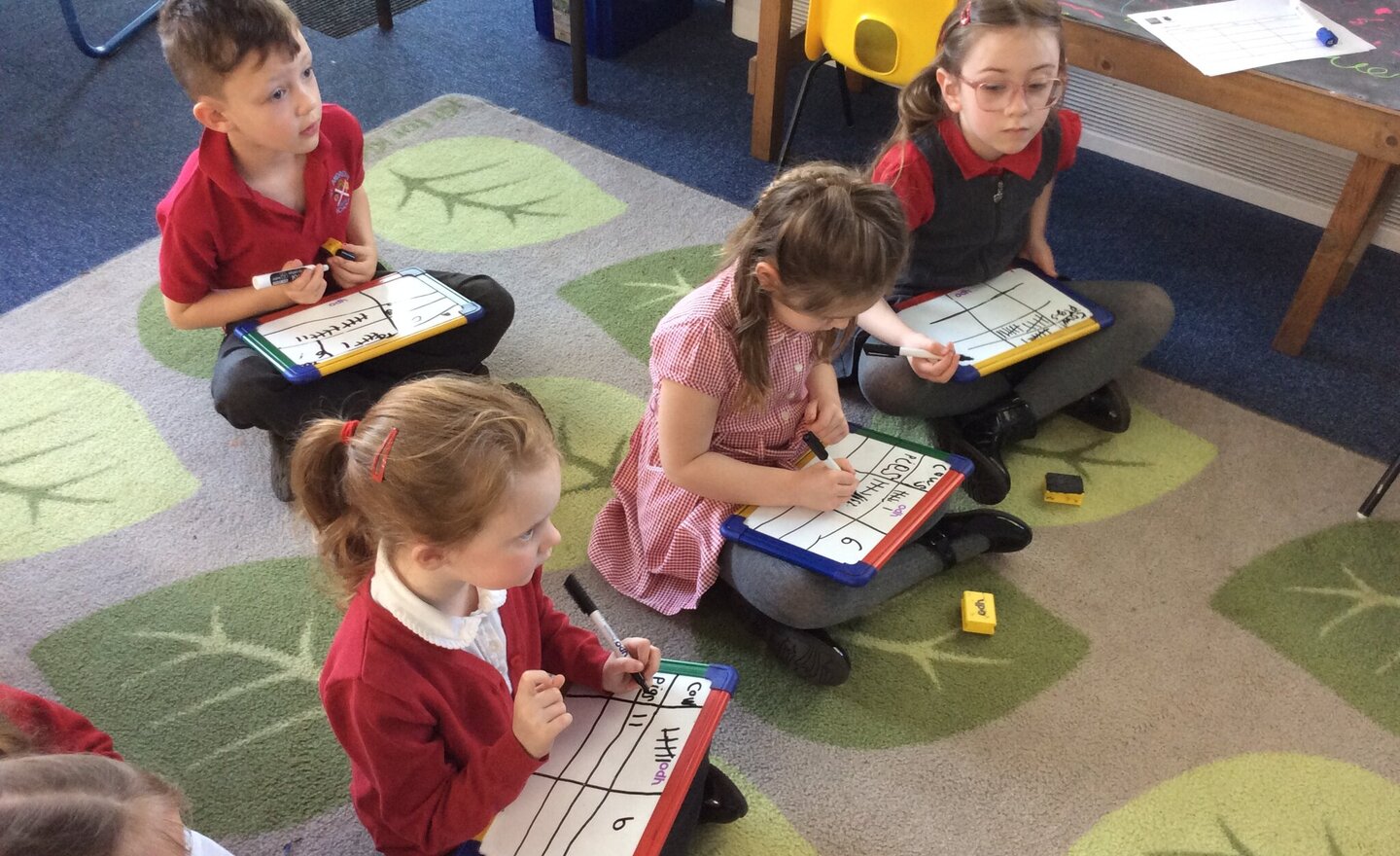
Computing: pictograms and tally charts
This term in Computing our focus is on collecting data and information through pictograms. So far, in the unit, we have looked at collecting data through drawing tally charts, we then used our tally charts to answer questions about the information.
This week we have learned about what a…